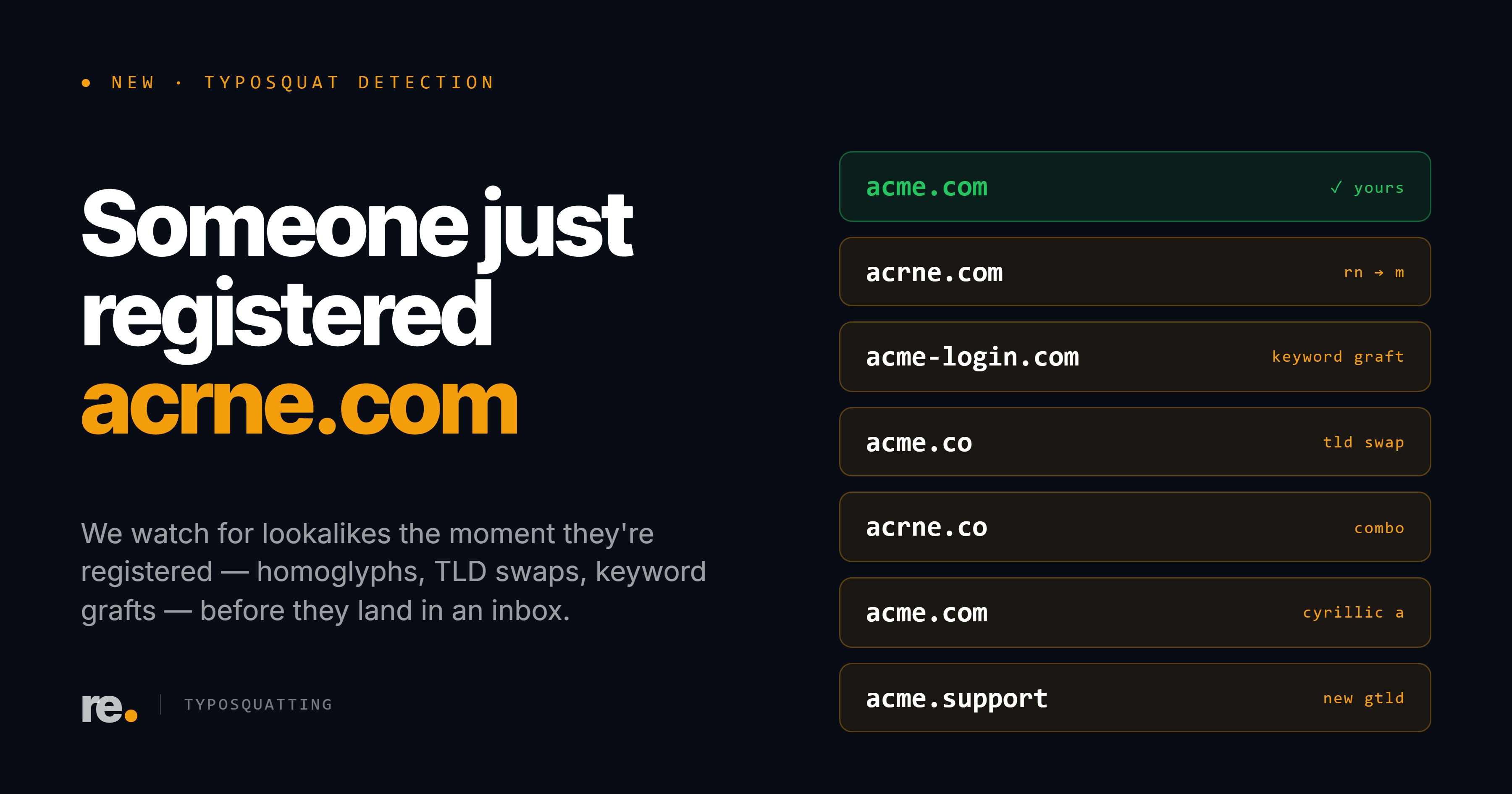
Every company has lookalike domains registered against it. We recently scanned twenty IT, managed-service, and security providers, and all twenty already had at least one lookalike sitting in someone else's hands. Across the set, 207 of those lookalikes were provisioned to send mail, and several had been issued fresh TLS certificates in the last month. Typosquatting is not a question of if. For most organizations it is a standing condition.
So the useful thing a typosquat tool can do is not find lookalikes. That part is easy: permute a domain into a few hundred plausible spellings, check which ones resolve, print the list. The problem is that the list is almost all noise, and a wall of two hundred scary-looking domains is worse than no answer at all. It buries the three that matter under a hundred and ninety-seven that do not, and it trains you to ignore the whole category.
We built our checker to do the hard part instead: tell you which ones are actually a threat. It is free, it needs no account, and it is live now at resensor.io/typosquat.
What it does
Paste your domain. The tool generates the lookalike spellings an attacker would actually register: dropped and doubled letters, adjacent-key swaps, homoglyphs, and alternate TLDs. It checks which of those are registered and resolving. Then, for every live one, it looks for evidence that the domain is impersonating you specifically.
It takes a few minutes, usually under four. It is generating and testing hundreds of permutations against DNS, certificate-transparency logs, mail records, and live page content, so it is thorough rather than instant. We say so on the page. A lookalike tool that answers in two seconds is not fetching anybody's favicon.
Three tiers, not one list
The output is sorted into three groups, and the sorting is the entire point.
- Active impersonation. The lookalike is serving your exact favicon or cloning your page content. This is not a permutation that happens to exist. It is a domain dressed up as you. These are the ones to act on first: file a takedown, warn your team, capture the page before it disappears.
- Suspicious. A freshly issued TLS certificate, a recent registration that is also mail-capable, or a partial page match. These are capability and preparation signals, not confirmed impersonation. They are worth a manual look, because they are what the early stage of a campaign looks like.
- Registered, no threat signals. Live lookalikes with nothing tying them to you. Most are unrelated businesses, parked domains, or your own defensive registrations. We show the count, and we tell you plainly that it is probably nothing.
Most tools stop at the second number, "registered and live," and let you panic over the total. The total is the least useful figure on the screen. The favicon match is the one that should ruin your afternoon.
What actually counts as a signal
We would rather show you why a domain is flagged than hand you a severity label and ask you to trust it. So each result carries the evidence behind it:
- Favicon or page-content match with your real site. The clearest sign of deliberate impersonation.
- A fresh certificate in the transparency logs. Someone just stood up HTTPS on a lookalike. That is what preparation looks like, not passive squatting.
- Mail-capable (MX present). The lookalike is provisioned to send and receive mail, which is the half of a phishing kit that talks to your customers.
- Shares a server with you, or redirects to your real site. Usually benign, often your own registration. Flagged so you can confirm rather than assume.
- Registration age. A lookalike registered last week behaves very differently from one parked for a decade.
A one-time check is a snapshot
Here is the honest limit, and it is the reason the checker is the front door rather than the whole house. A check tells you what exists today. The lookalike that actually hurts you is often the one registered next week, after you looked, with a cloned page that went up the day before the phishing run.
That is the part a free tool cannot solve, because it is not a lookup, it is a watch. The Resensor platform monitors your domain continuously, alerts you the moment a new lookalike is registered or starts serving a cloned page, and generates a ready-to-file takedown packet for each confirmed one. The free checker is the snapshot. The platform is the camera left running.
See what is already out there
Run your own domain through the checker. No signup, no email wall. If it comes back clean, that is a real result. If it does not, you will know exactly which entries are worth your time.